PDF Reader Annotator PLUS Online Tutorial
How to Use the PDF Page Tool?
PDF Reader Annotator PLUS includes a very flexible PDF Page Tool that allows you to split PDFs, reorder pages, rotate pages, remove pages, duplicate pages, and protect/unprotect PDFs.
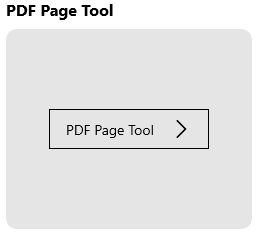
To access the PDF Page Tool, simply click the “PDF Page Tool” button on the Main UI.
In the PDF Page tool, click the “Add Files” button to select and open PDF files. Once the files are opened, you can apply actions to the entire PDF file or select specific pages to perform actions on them.
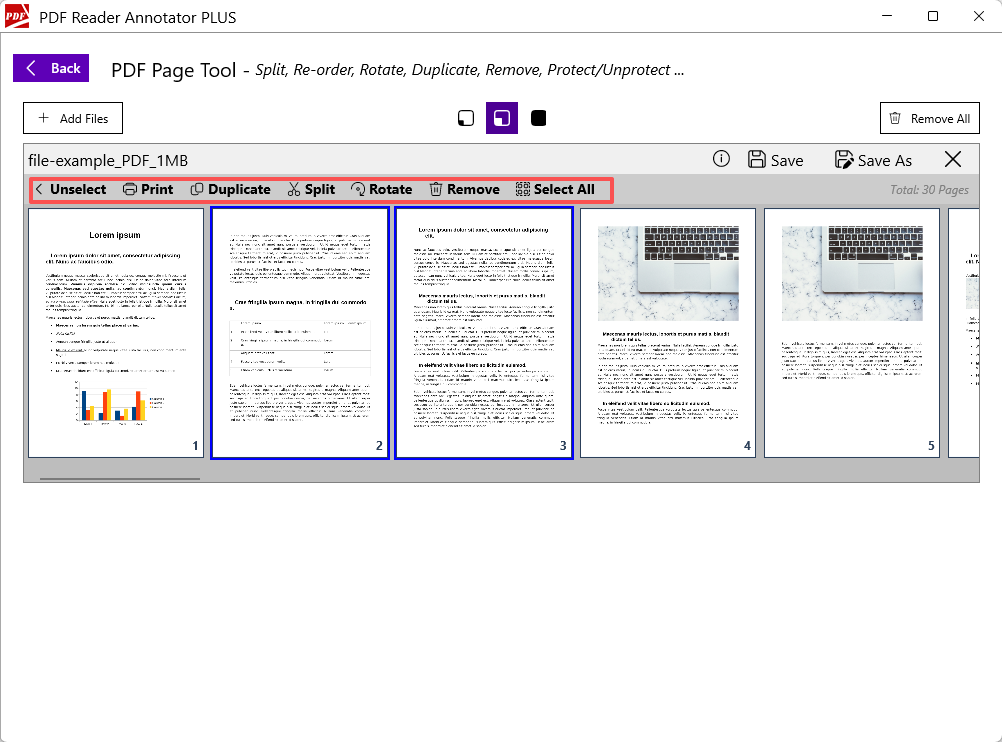
The actions you can apply to selected pages include:
- Split – Splits the original PDF into two files: one containing only the selected pages and the other containing the remaining pages.
- Duplicate – Creates a new file by copying the selected pages.
- Rotate – Rotates the selected pages.
- Remove – Removes the selected pages from the original file.
- Reorder – You can drag any page up and drop it to the new position.
Note: Don’t forget to save the files after you change them.
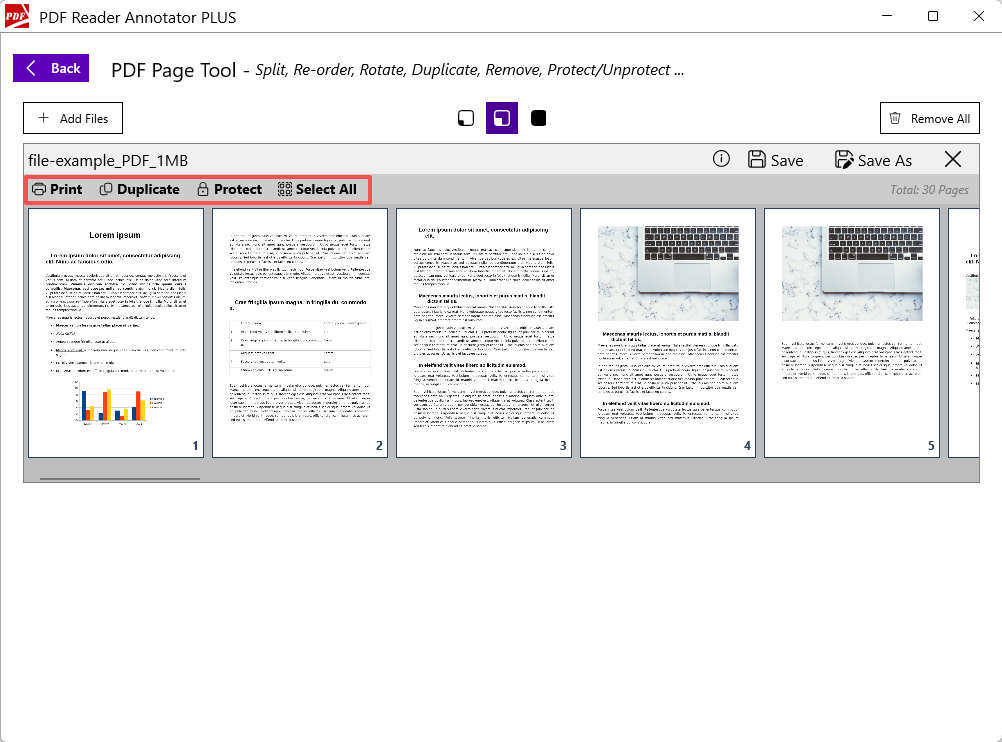
Actions you can apply to the entire PDF file include:
- Protect /Unprotect – Secures the PDF file by setting or removing a password.
- Duplicate – Create a duplicate copy of the original file.
- Print – Prints the PDF file.