
PDF Reader Annotator PLUS Online Tutorial
PDF Reader Annotator PLUS (previously PDF Suite PLUS) is a comprehensive PDF reader, annotator, editor, converter, and management tool. It enables you to view, create, fill, sign, compress, encrypt, convert, annotate and organize PDF files. It also provides tools to split, merge or extract pages from a PDF.
In this tutorial, we cover the following topics: How to use the PDF Reader to view a PDF? How to use the PDF Page Tool? How to convert PDF to other formats? How to convert other formats to PDF? How to use the Manage Pages tools? How to compress, encrypt, sign, redact and edit PDFs?
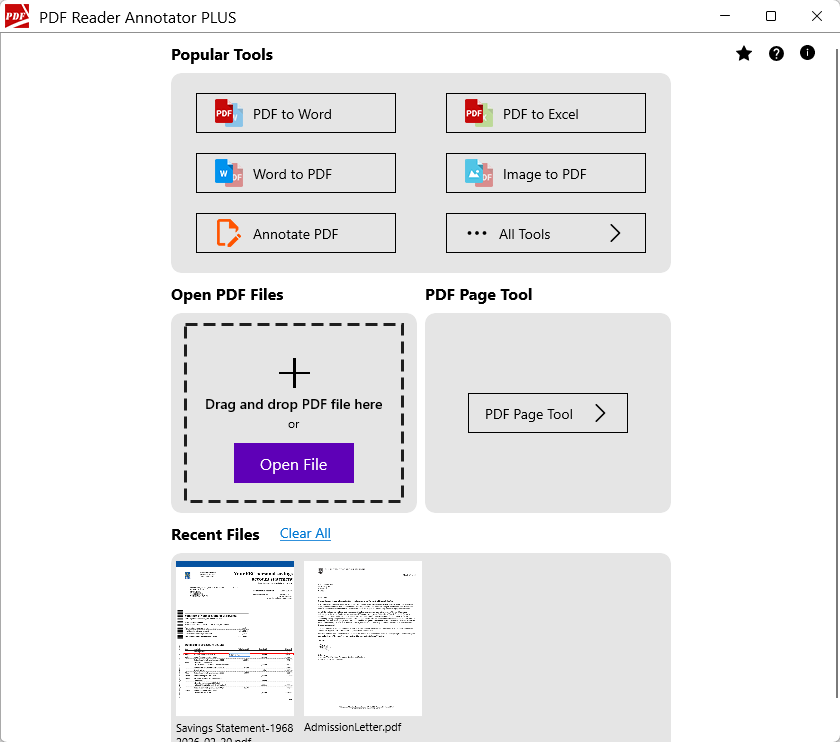
Main Features
- PDF Reader – View PDF
- PDF Annotator – Annotate PDF
- Fill PDF forms
- PDF Page Tool
- Convert PDF to other formats
- Convert other formats to PDF
- Manage PDF pages
- Other PDF tools
How to Read a PDF File?
PDF Reader Annotator PLUS includes a PDF Reader that allows you to view PDF files.
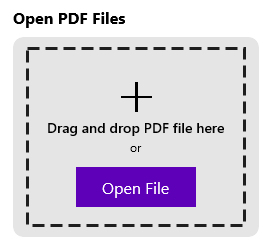
To open a PDF file, you can either drag and drop the file into the designated area or click the “Open File” button to select a file to open.
Once the PDF file is open, you will see the top toolbar, which contains various actions you can perform on the PDF file.
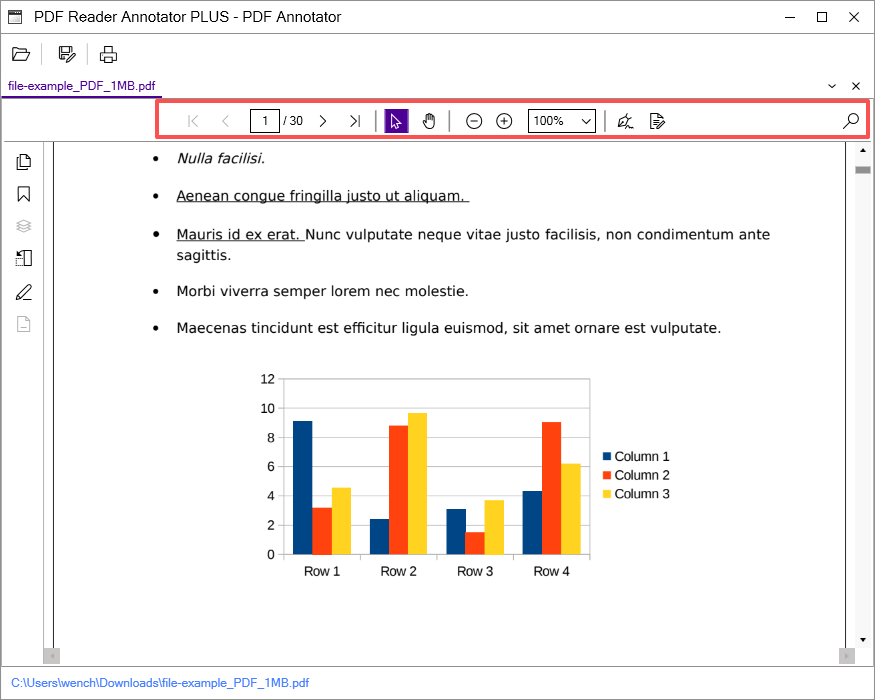
The available actions (from left to right) include:
- Pagination controls
- Text selection tool
- Pan tool
- Zoom controls
- Sign PDF
- Annotation toolbar
- Find text in the file